
Step 1. Mixed Content Scan
After installing Really Simple Security and activating SSL, it is still possible that your site is flagged as not secure. The most common cause for this is ‘Mixed content’.
If you do not see the secure lock in your browser address bar, you still have mixed content. It is very important that this is fixed because browsers will display ‘insecure site’ warnings to visitors of the site.
Step 2. SSL Health Check
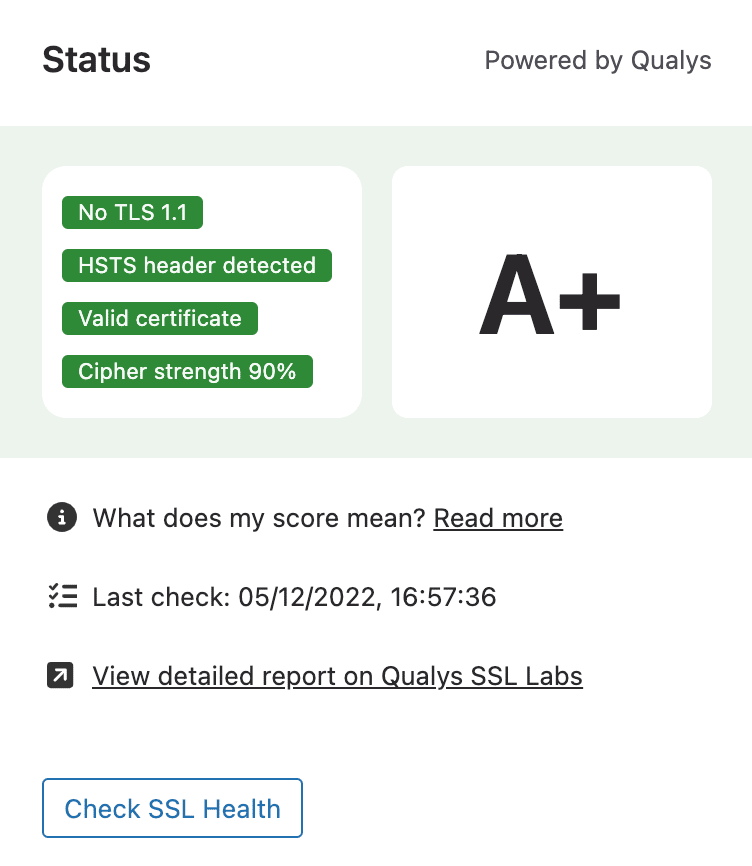
Really Simple Security includes the SSL Health Check, by Qualys. You can scan your site directly for common SSL issues in the plugin’s dashboard, or by visiting the Qualys SSL Labs website.
Step 3. Security Headers Scan
The Security Header scan will check if all recommended Security Headers are enabled, and whether they use the recommended settings for optimal protection.
Really Simple Security allows for you to configure all of these with the click of a button, and also recommends the settings you should use.
Bonus Step 4: Security Features
Really Simple Security comes with many other important security features. This includes various WordPress Hardening tweaks, Vulnerability Detection, Two Factor Authentication, Limit Login Attempts, IP/Geo-based restrictions, and much more.
Have a look at the plugin’s other recommended security features under the Security -> Settings tab, and enable them to get peace of mind!
